
Make your own BUG Clicker character
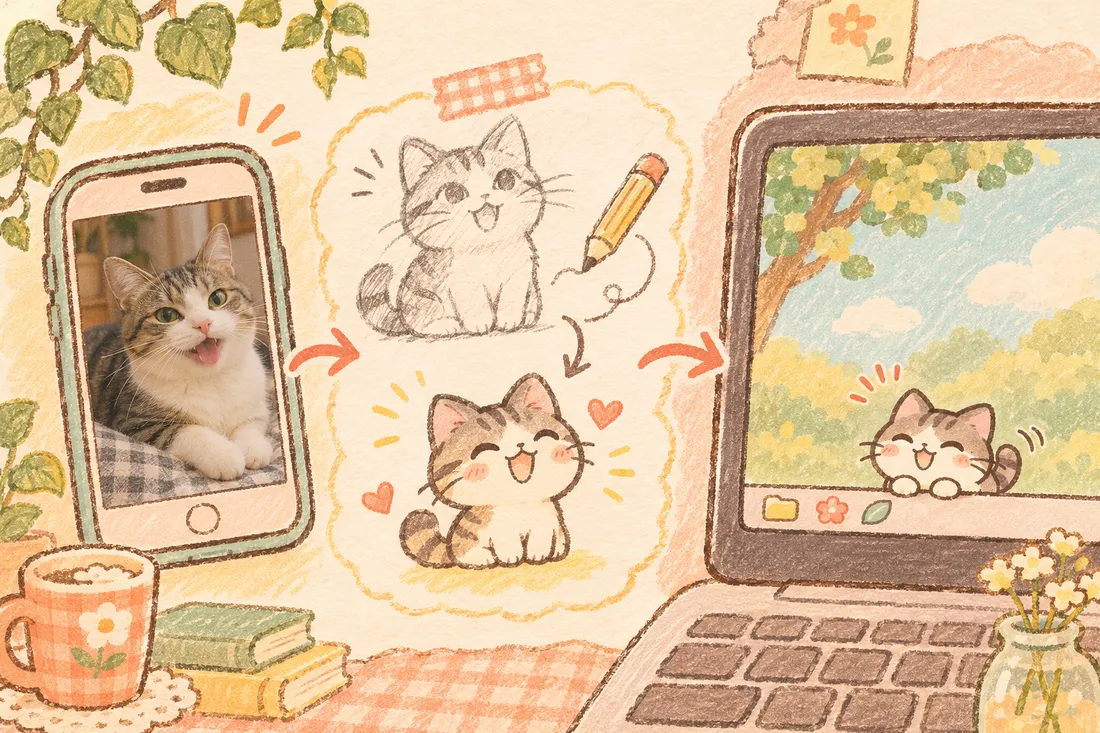
Type one sentence or add a photo. We draw your pet with 4 faces — normal, pressed, blink and petted — plus lines, and pack it as a .cvclk file you drag into BUG Clicker.
First preview free · $2.99 a character · 3 for $6.99 · no account




Mochi — a free sample. Press it, stroke its head.
How it works
- 1
Describe it
One sentence, a photo, or both. Pick a style and the language for its lines.
- 2
See it free
Your pet appears in a live preview in about 15 seconds. Poke it before you pay.
- 3
Unlock
$2.99 draws the pressed, blink and petted faces, writes lines and packs the files.
- 4
Drag into BUG Clicker
Open Settings → Share and drop the .cvclk in. It lives on your desktop.
Free character library
Original characters made by us and by the community. Download any .cvclk for free — no account.







Free tools for drawing your own
Prefer to draw it yourself? Everything you need, free and running in your browser.
Why makers pick us
$2.99, not $4.99
One custom pet is $2.99, three are $6.99. Pay once, no subscription.
Poke it before you pay
The free preview is a live desktop-pet simulator, not a still image.
PSD included
Every pet comes with a layered PSD so you can retouch it in any editor.
Free library
Download community characters free, or share your own with credit to you.
4 languages
Site and lines in English, 한국어, 日本語 and 繁體中文.
Private tools
PSD checker, viewer and line tool run locally — files never leave your device.
Questions
What is a .cvclk file?
+
It is the character file BUG Clicker imports. It holds the PNG faces (body, head1–head4, optional hair and extras), the lines your pet says and the author card. Our files are standard, unlocked .cvclk files.
How much does a custom BUG Clicker character cost?
+
The first preview is free. Unlocking one character is $2.99; a pack of 3 is $6.99. You pay once with Stripe — no account and no subscription. If a pet can't be made, you are not charged.
How do I import the character into BUG Clicker?
+
Open BUG Clicker, right-click your pet → Settings → Share tab, then drag the .cvclk onto the window (or click Import). The new character appears in your list right away.
Does it work on Mac and Windows?
+
Yes. The .cvclk format is the same on BUG Clicker for Windows and for Mac.
Can I use a photo of my cat or dog?
+
Yes. Add a clear, front-facing photo and we draw a chibi version of it with the four faces. One animal or character per photo works best.
Is this the official BUG Clicker site?
+
No. BugClickerMaker is an unofficial fan site. BUG Clicker is made by BUG; download it only from the official links on our Download page.
Unofficial fan site, not affiliated with BUG / BUG Clicker. Official BUG Clicker site